How do I download images from my Collection?
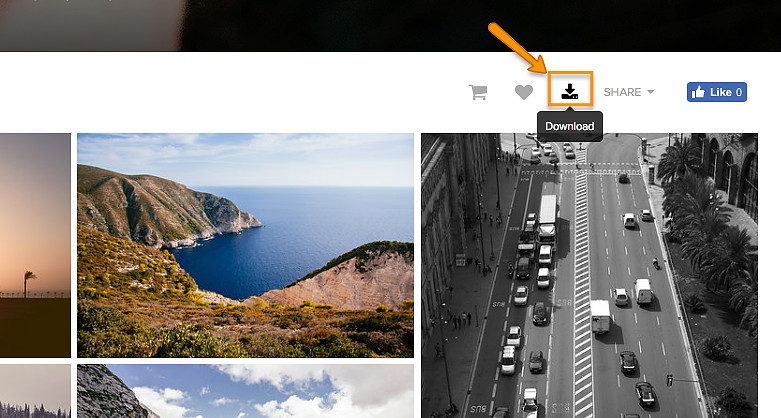
To download your entire collection, you simply need to click on the Download icon shown at the top right of the Gallery view.

You will be asked for your email address and the 4-digit Download PIN in order to complete a download.
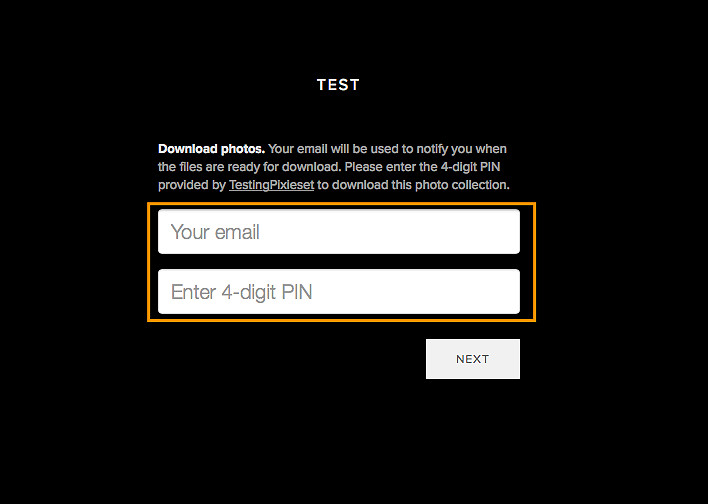
The email address provided will only be used to notify you when your .ZIP file of images is ready to be downloaded. It will also include the link you will need to access your images, and download the .ZIP file to your computer.
You will have the chance to choose the download size (High Resolution is Recommended).
You can always come back to this page at a later time to download the images again.
You will receive the Gallery Download in a .ZIP file format, which you can unzip/extract to get the .jpg image files inside.